Meta Tag Generator
Fill in six fields, copy the tags your page needs — escaped correctly, nothing empty.
runs entirely in your browserboilerplate & extras
Your tags
<!-- Basic -->
<title>Every Damn Tool You Need — Free, No Login</title>
<meta name="description" content="Convert, check, generate, and count in seconds. No signup walls, no tracking, and most of it runs entirely in your browser." />

<!-- Open Graph (Facebook, LinkedIn, Slack) -->
<meta property="og:title" content="Every Damn Tool You Need — Free, No Login" />
<meta property="og:description" content="Convert, check, generate, and count in seconds. No signup walls, no tracking, and most of it runs entirely in your browser." />
<meta property="og:type" content="website" />
<meta property="og:url" content="https://allthedamn.tools/" />
<meta property="og:image" content="https://allthedamn.tools/og.png" />
<meta property="og:site_name" content="All The Damn Tools" />

<!-- Twitter / X -->
<meta name="twitter:card" content="summary_large_image" />
<meta name="twitter:site" content="@allthedamntools" />
Preview
allthedamn.tools
Every Damn Tool You Need — Free, No Login
Convert, check, generate, and count in seconds. No signup walls, no tracking, and most of it runs entirely in your browser.
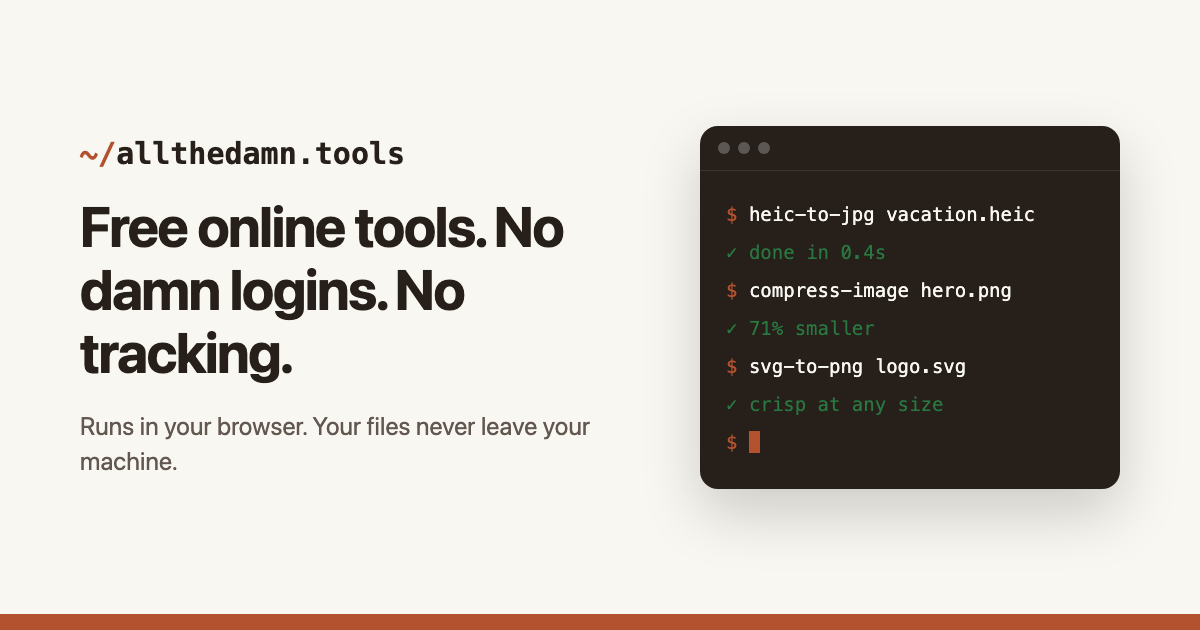
allthedamn.tools
Every Damn Tool You Need — Free, No Login
Convert, check, generate, and count in seconds. No signup walls, no tracking, and most of it runs entirely in your browser.
Simulated: the layout is drawn here, not fetched from Google or X, so treat it as a guide rather than a guarantee. The image itself is loaded from the URL you gave.
The tags are built here and nothing you type is sent to us. The card preview does load your og:image straight from the URL you give it, so that host sees the request — the same one a crawler would make. Form structure adapted from delphitools (MIT).
The tags that still matter
A page needs fewer meta tags than most templates carry. The title element is the one Google leans on hardest and the one that becomes the blue link. The meta description does not affect ranking, but it is the sales copy under that link, and leaving it out hands the wording to an algorithm picking a sentence off your page. A canonical link tells search engines which URL is the real one when the same content is reachable at several. Open Graph gives Facebook, LinkedIn and Slack a title, a description and an image to build a card from. Twitter's own tags do the same for X. That is the working set.
The tags that no longer earn their place are worth naming, because generators keep emitting them. Meta keywords has been ignored by Google since 2009 and this tool will not write one. Neither will it write revisit-after, which no crawler has ever read, or a meta robots tag full of defaults that are already the defaults. A generator that pads its output makes the block look thorough and teaches you to keep code that does nothing.
Everything here is optional and conditional. Leave a field blank and its tag is left out entirely, rather than emitted with empty content — an empty description tag is a statement that the page has none, which is worse than saying nothing at all.
Why the counters measure pixels
Google does not truncate a title at a character count. It truncates at a width — roughly 600px for desktop titles and around 920px for descriptions, measured in the font it renders, with mobile allowing a little more. A title of capital Ws runs out of room a dozen characters before a title of lowercase i's, so the familiar advice to stay under 60 characters fails exactly at the margin where you needed it.
So each field shows both: the character count people are used to, and the measured pixel width against the limit that actually applies. When the bar turns, the text is being cut. The meters here measure against the tighter desktop cut, using the same shared limits and the same measuring code as the SERP snippet preview on this site — one table, so the two tools cannot drift apart.
None of this is a rule about quality. A short title that says the specific thing beats a long one padded to fill the bar. The meter is there to stop the part that earns the click from landing past the cutoff.
Open Graph and Twitter are not the same tags
The two standards look alike and are written differently, which is the detail hand-rolled blocks get wrong most often. Open Graph properties are declared with the property attribute — property="og:title". Twitter's are declared with name — name="twitter:card". The two directions are not symmetrical: X documents that its parser falls back to property, so property="twitter:card" still works there, while Facebook's crawler reads only property and ignores an og tag written with name entirely. Getting it backwards costs you the Facebook, LinkedIn and Slack cards silently. This tool writes each with its documented attribute.
You need fewer Twitter tags than you might think. X reads Open Graph as a fallback for the title, description and image, so the only ones worth writing are twitter:card, which decides whether the image renders large or as a thumbnail, and twitter:site, which attributes the card to an account. Everything else duplicates the Open Graph block.
The image is where cards usually fail. 1200×630 is the size that survives every crop, it must be an absolute URL rather than a path, and it has to be reachable by a crawler that is not logged in — an image behind auth or a hotlink guard produces a card with a blank rectangle where the picture should be.
After you paste them
The tags go inside the head element, and the charset declaration goes first when you include it — declared past the first 1024 bytes, the parser has already guessed the encoding, and the guess is what turns a pound sign into a question mark. The boilerplate toggle emits charset and viewport in the right order for this reason.
Then verify against the live page rather than the block you copied, because a framework, a CMS plugin or a caching layer sits between the two and any of them may rewrite what you wrote. The meta tag checker on this site reads a published URL and reports what actually shipped; the OG preview renders the card from the live tags. Generate here, publish, then check there.
Social platforms cache aggressively. If you fix an image and the old one keeps appearing, the tag is usually correct and the cache is stale — each platform has its own debugger that forces a re-fetch, and the change will not appear in a share until it does.
fair questions
- What meta tags should every page have?
- A title, a meta description, a canonical link, charset and viewport, and an Open Graph block with title, description, image and URL. Add twitter:card if you want a large image on X. That set covers search results and social cards; anything beyond it is situational.
- Do meta keywords still matter?
- No. Google confirmed in 2009 that it ignores the keywords meta tag, and the other major engines followed. This tool does not emit one — a tag that does nothing still has to be maintained, and it advertises your target terms to competitors reading your source.
- What size should an og:image be?
- 1200×630 pixels, a 1.91:1 ratio, and under 5MB — Facebook allows 8MB but X caps at 5, so the smaller number is the one to build to. It also has to be reachable without logging in, and the tag needs an absolute URL rather than a relative path: crawlers resolve it on its own, so a path that works in your browser will not resolve for them.
- Why does my card look different on X than on Facebook?
- Usually twitter:card or a stale cache. Without summary_large_image, X renders a small thumbnail where Facebook shows a banner, and both platforms cache aggressively enough that a fixed tag can take a while to appear. Attributes are the other candidate, though only in one direction: X falls back to reading property, while Facebook ignores an og tag written with name.
- Does a meta description change my ranking?
- Not directly. It is not a ranking factor, and Google rewrites it for the majority of results when it thinks a passage from your page fits the query better. It is still worth writing: it is the copy people read before deciding to click, and a good one is what gets used when the query matches it.
- How do I check the tags on a page I have already published?
- Use the meta tag checker on this site — it fetches a live URL and reports the tags that actually shipped, which is often not what you pasted once a CMS or framework has been through it. The OG preview renders the social card from those live tags.
related tools
- Meta Tag CheckerPaste a URL, get every meta tag that matters, graded, in seconds.
- Open Graph PreviewSee exactly how your link renders on X, WhatsApp, Facebook, LinkedIn, Telegram, Discord, and Slack.
- SERP Snippet PreviewSee your title and description exactly as Google shows them, before you publish.
- Word CounterLive word, character, and sentence counts that never leave your browser.
this site is built on Guardrails, the guard-railed boilerplate for shipping real products with AI agents.